Independent project · Home automation tools
KV Storage
Persistent key-value storage for Home Assistant, with named stores, automation actions, and a live management panel.
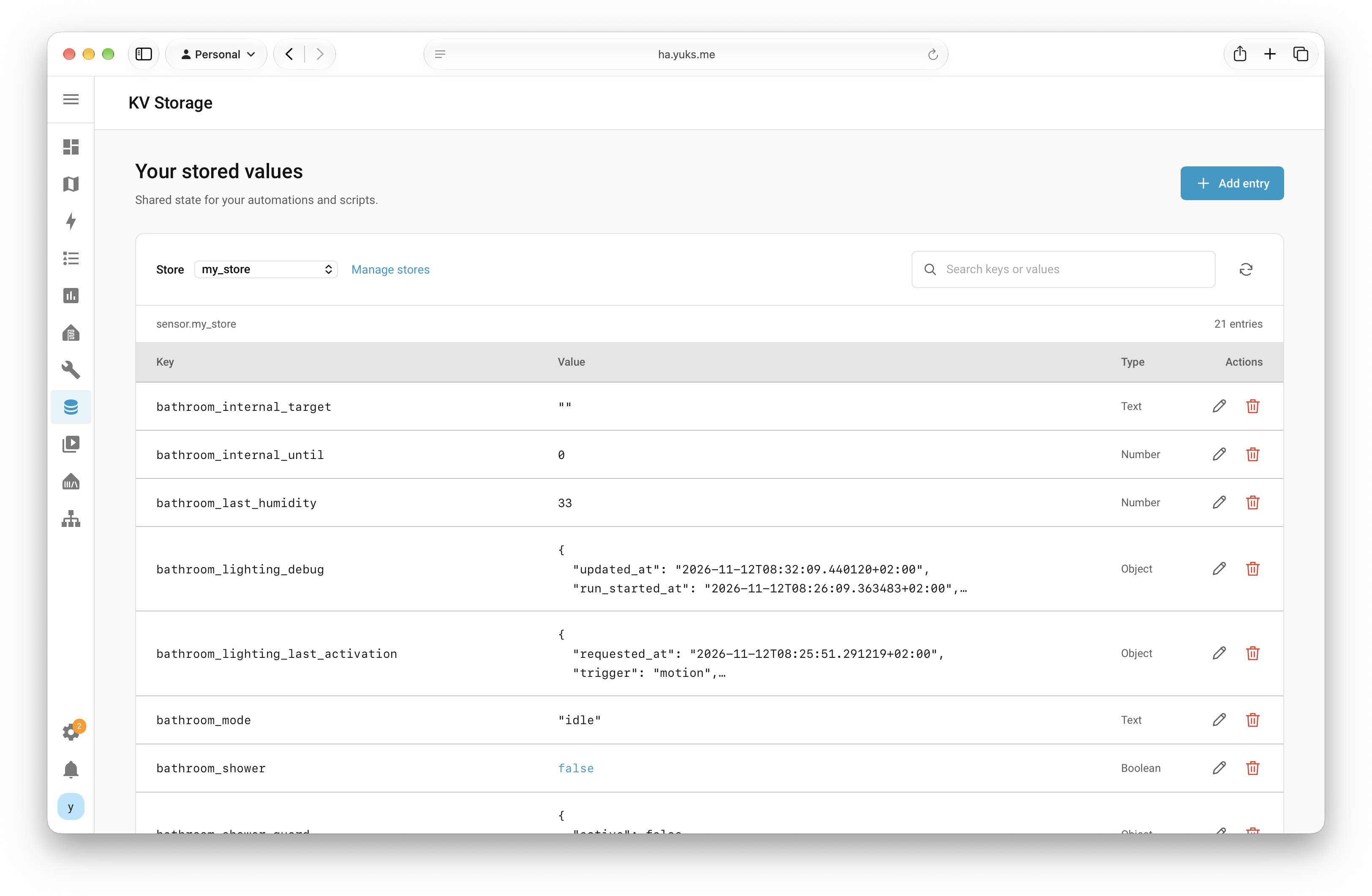
Searchable key-value entries, value types, and editing controls inside Home Assistant.
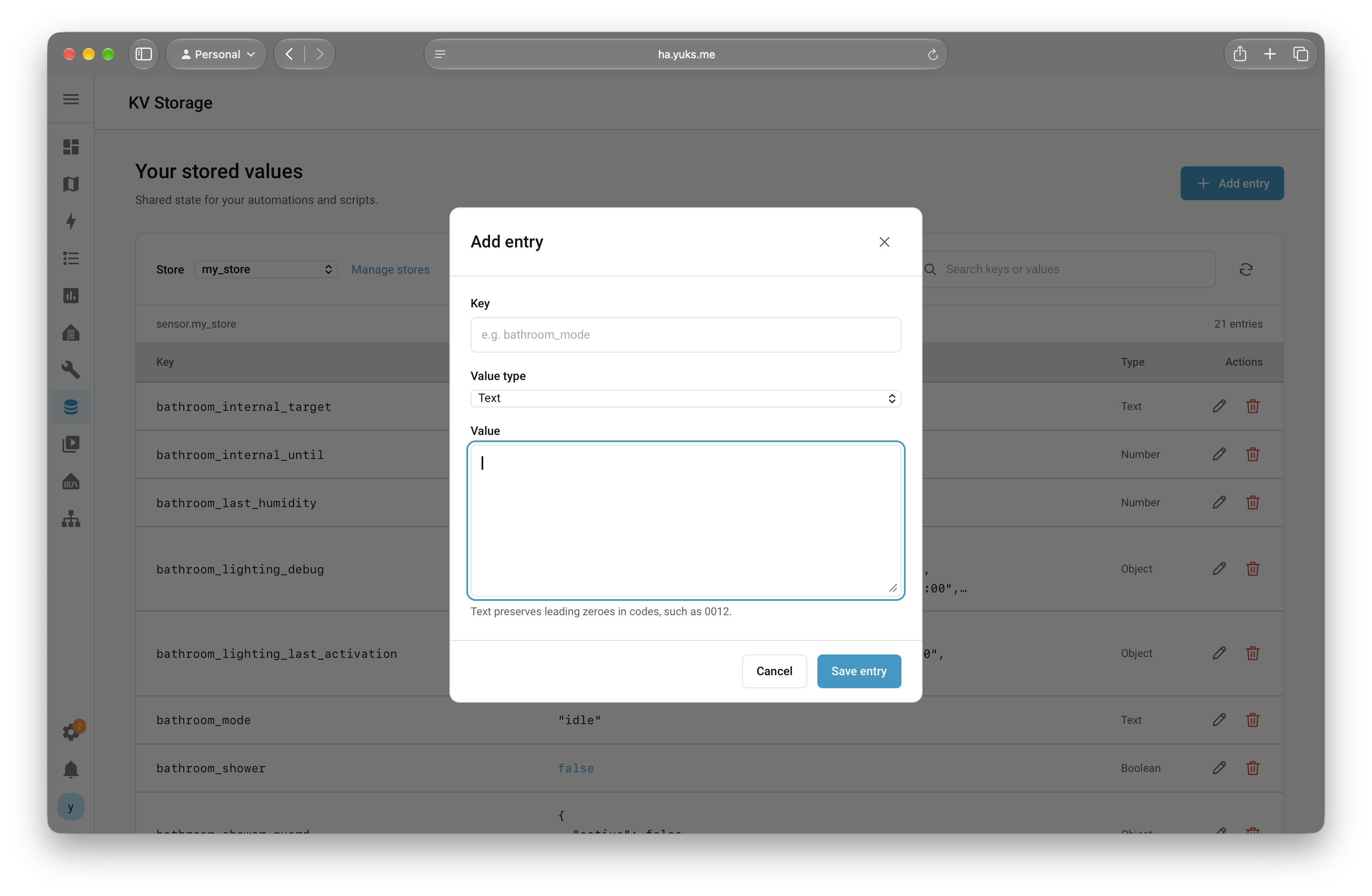
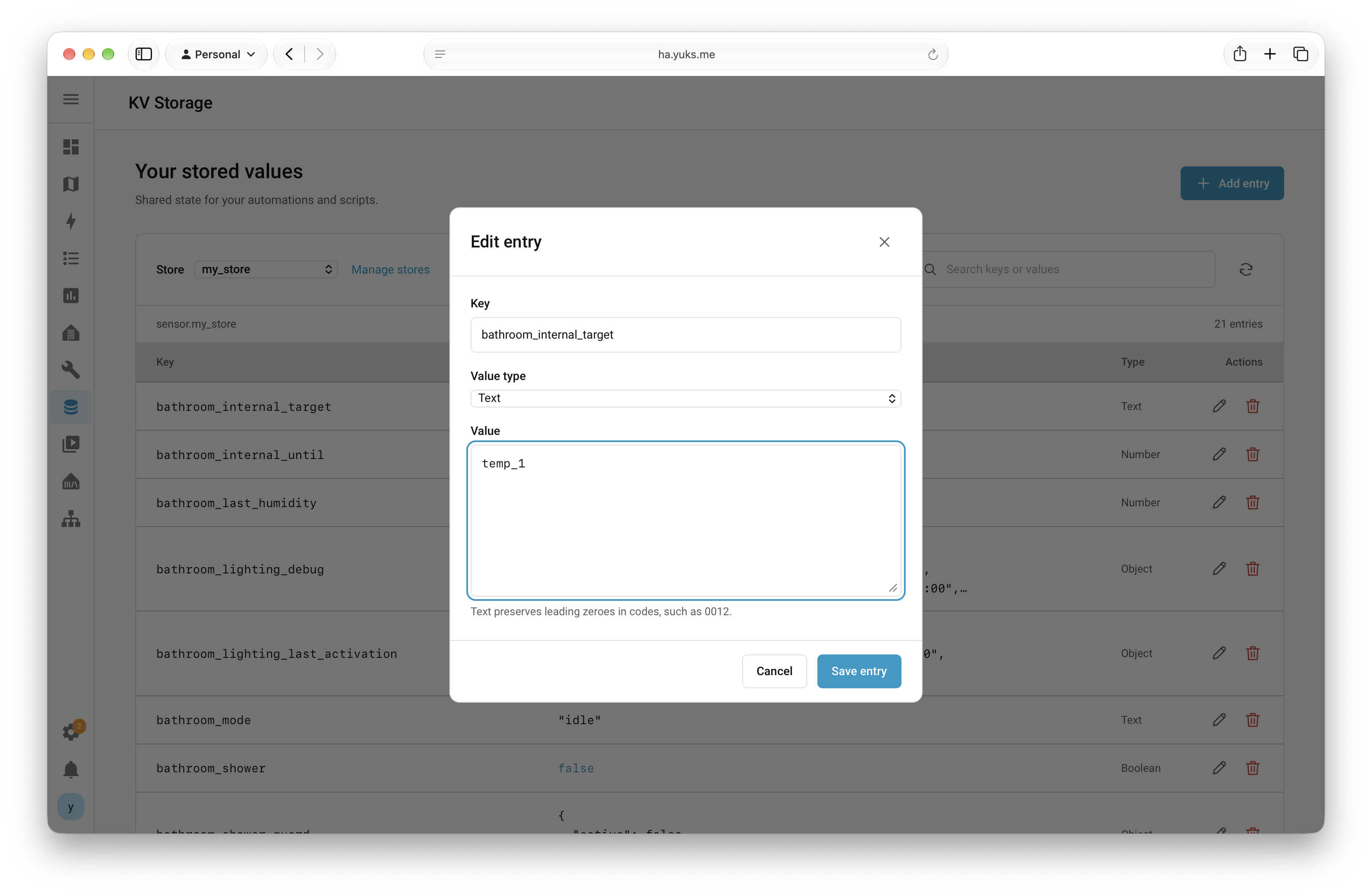
Persistent data for everyday automations.
KV Storage gives Home Assistant automations a persistent place to keep structured data. Independent named stores hold strings, numbers, booleans, lists, and objects in a local SQLite database.
Each store appears as a sensor: its state shows the key count, while its attributes expose the saved values to templates and automations. A live sidebar panel makes that data searchable and editable, following the Home Assistant theme on desktop and mobile.
Separate named stores
Separate namespaces keep each store’s data independent. Values survive restarts and remain available when a store is removed and later added again.
Expose state to Home Assistant
Set, get, and delete actions connect stored data to scripts and automations. Sensor attributes make values available directly in templates.
Make stored values manageable
A searchable live table shows value types, with dialogs for adding and editing entries and controls for deleting them.
Architecture & decisions
A Python integration connects Home Assistant sensors and actions to local SQLite storage. Writes are committed before sensor state is updated, and database work runs outside Home Assistant’s event loop.
- Automations, scripts & sidebar panel
- KV Storage actions & named stores
- Local SQLite persistence
- Sensor state & template attributes
The panel uses no frontend build or external JavaScript dependencies. Store size limits keep sensor attributes manageable.
Implementation details
Home Assistant / Python / SQLite
- Independent named stores backed by a local SQLite database.
- Set, get, and delete actions for automations and scripts, with structured response data.
- JSON values: strings, numbers, booleans, null, arrays, and objects.
- Live, searchable management panel with value types and add, edit, and delete controls.
- Theme-aware, mobile-friendly interface without external JavaScript dependencies.
- Installation through HACS as a custom repository, or manually; requires Home Assistant 2024.12 or newer.
Outcomes
Automations can retain structured data across restarts, while users inspect and manage it in the same Home Assistant workspace. Storage stays local and is included in backups that contain the Home Assistant configuration.
Explore the project
See the product, documentation, or available downloads.