Independent project · Database & developer tools
Tablelane
A cross-platform MySQL workspace with schema tools, secure connection options, and optional AI assistance.
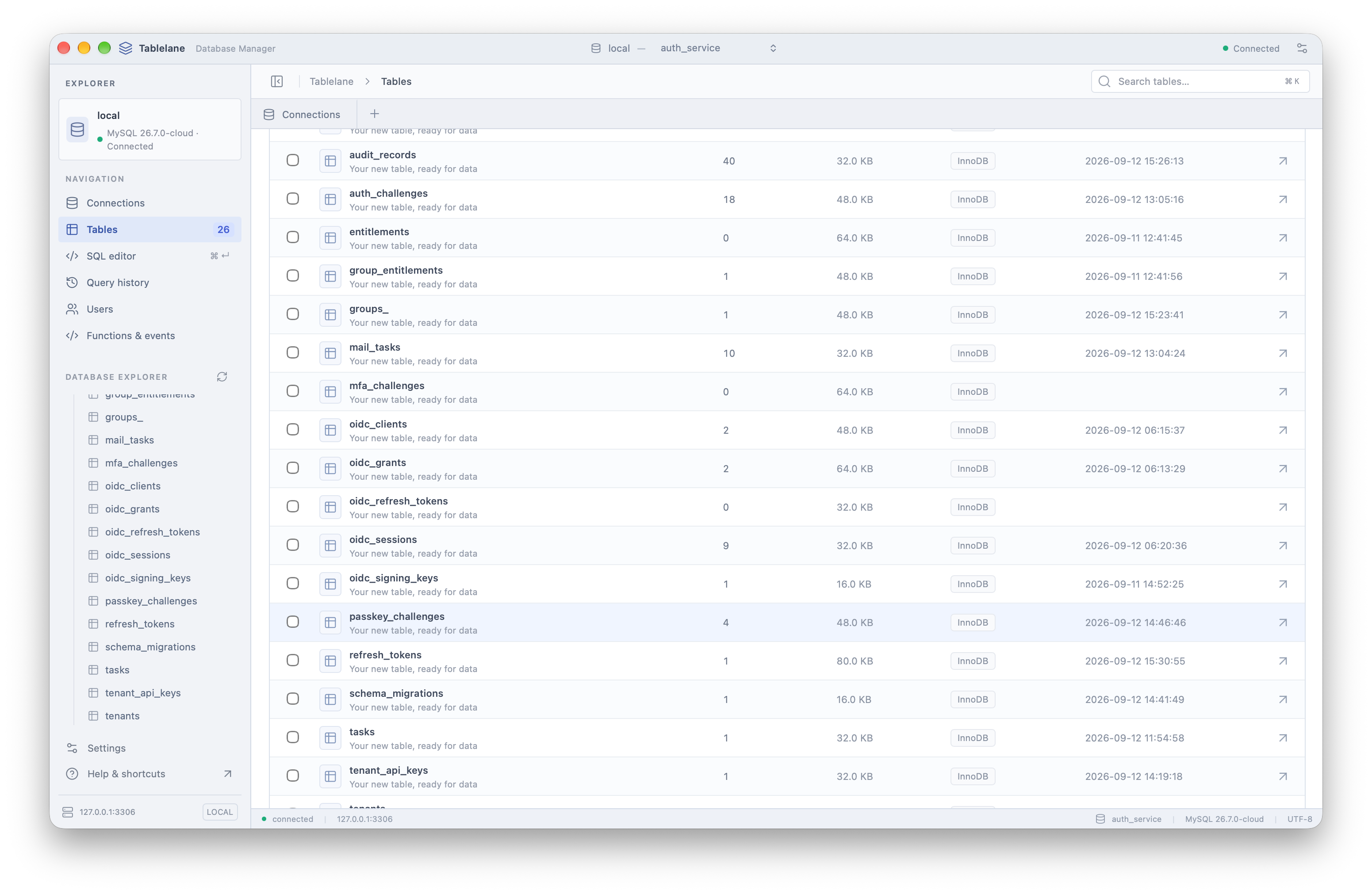
Inspect table names, row counts, sizes, and storage engines.
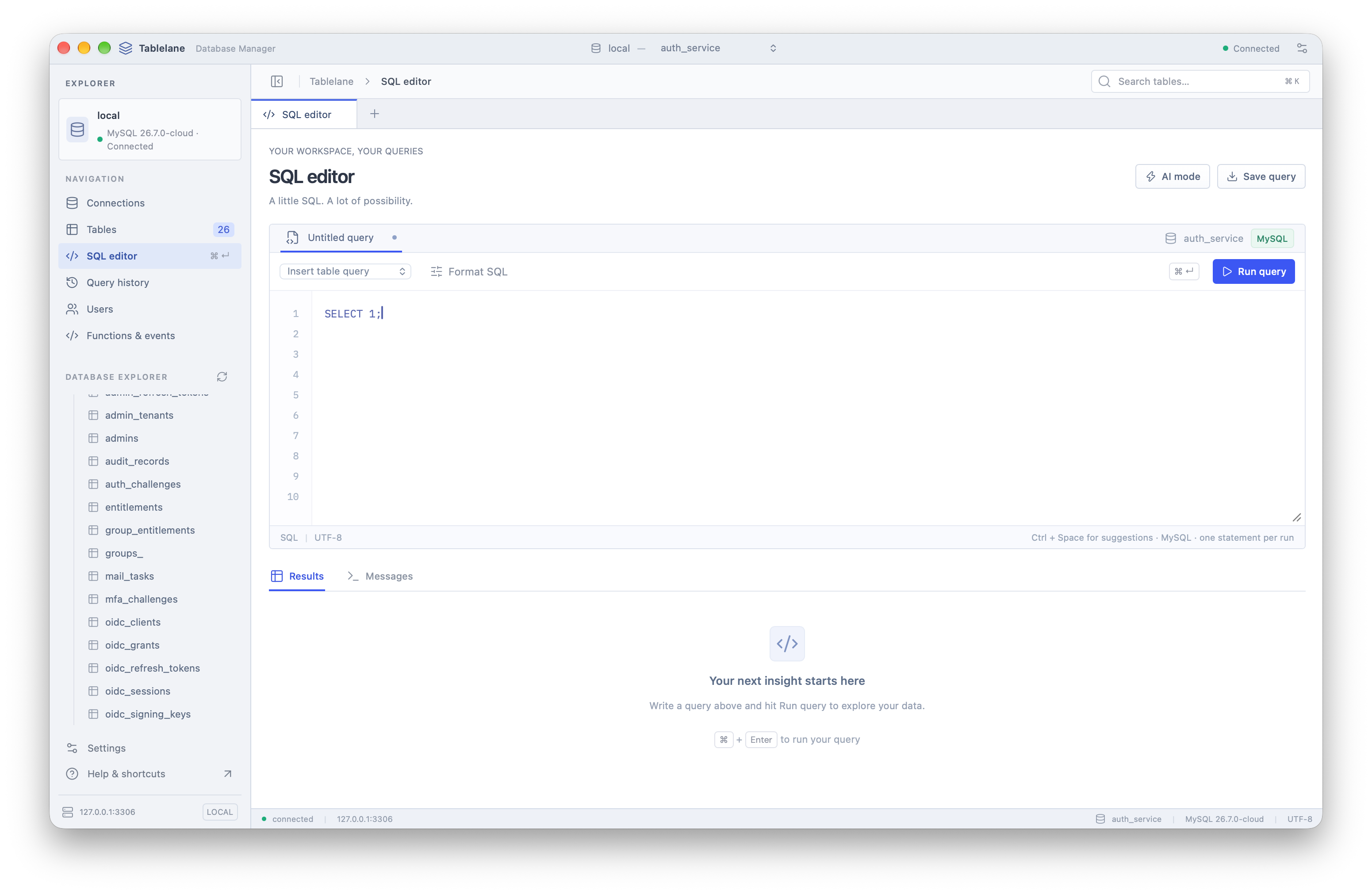
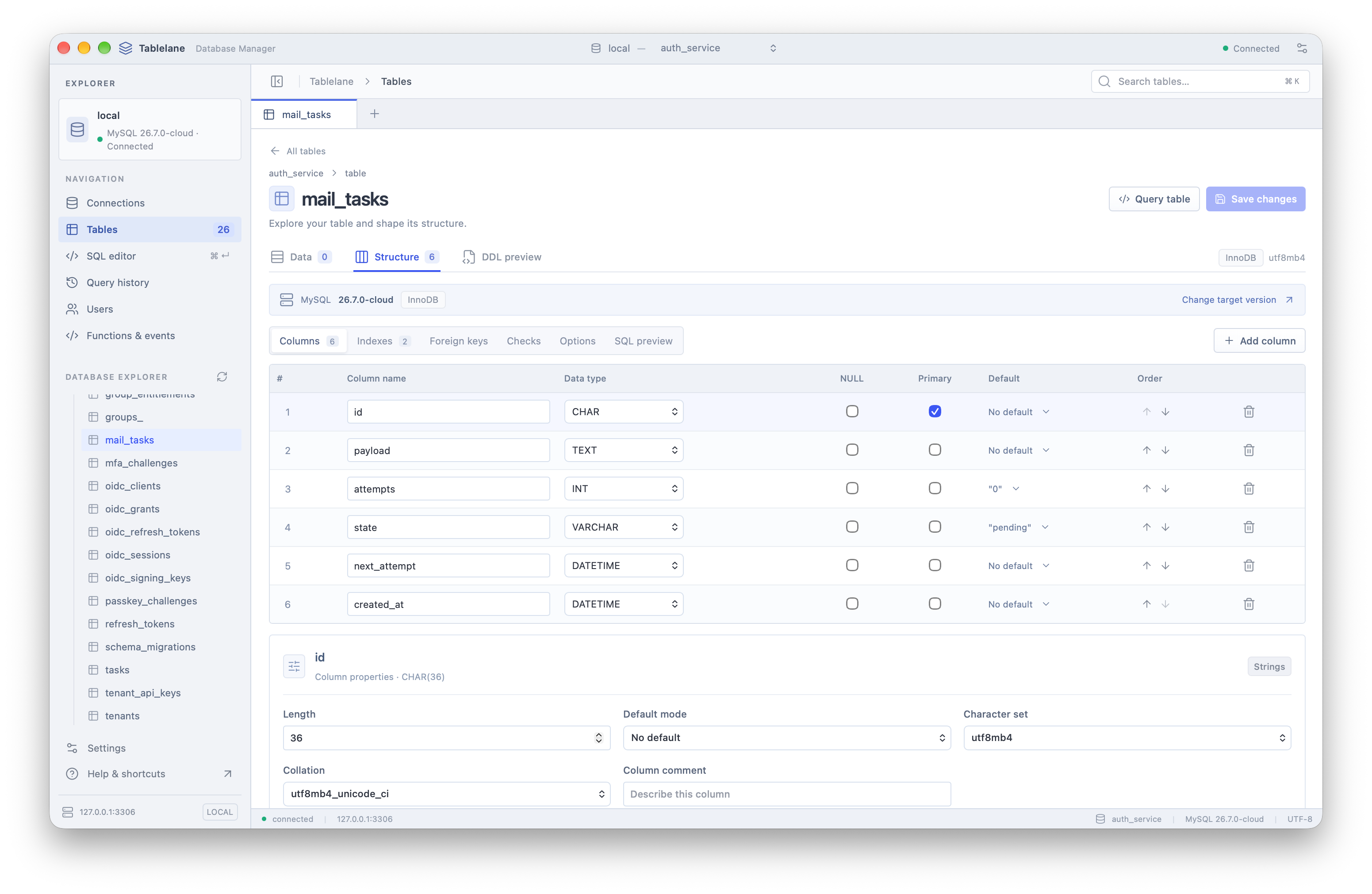
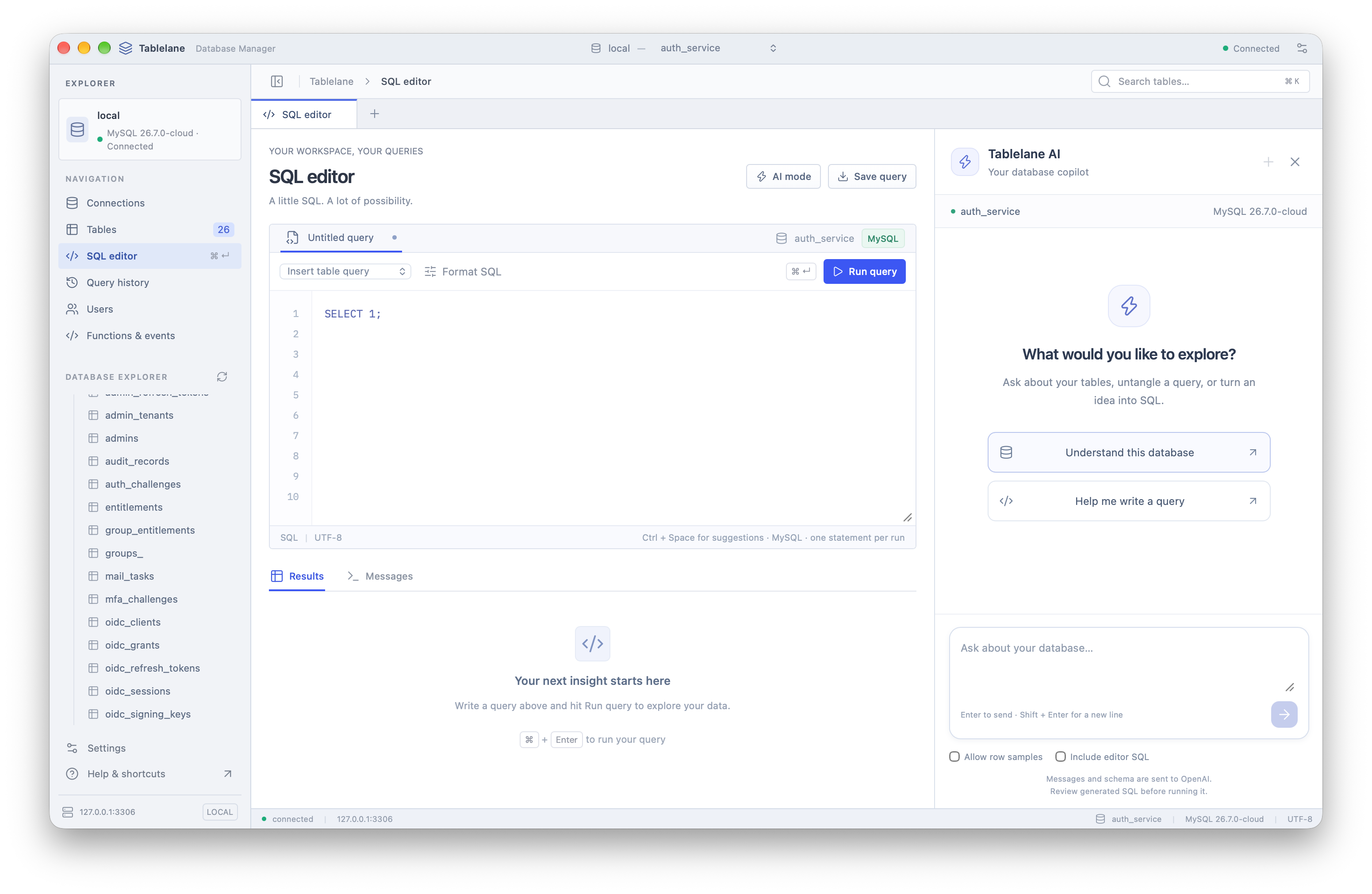
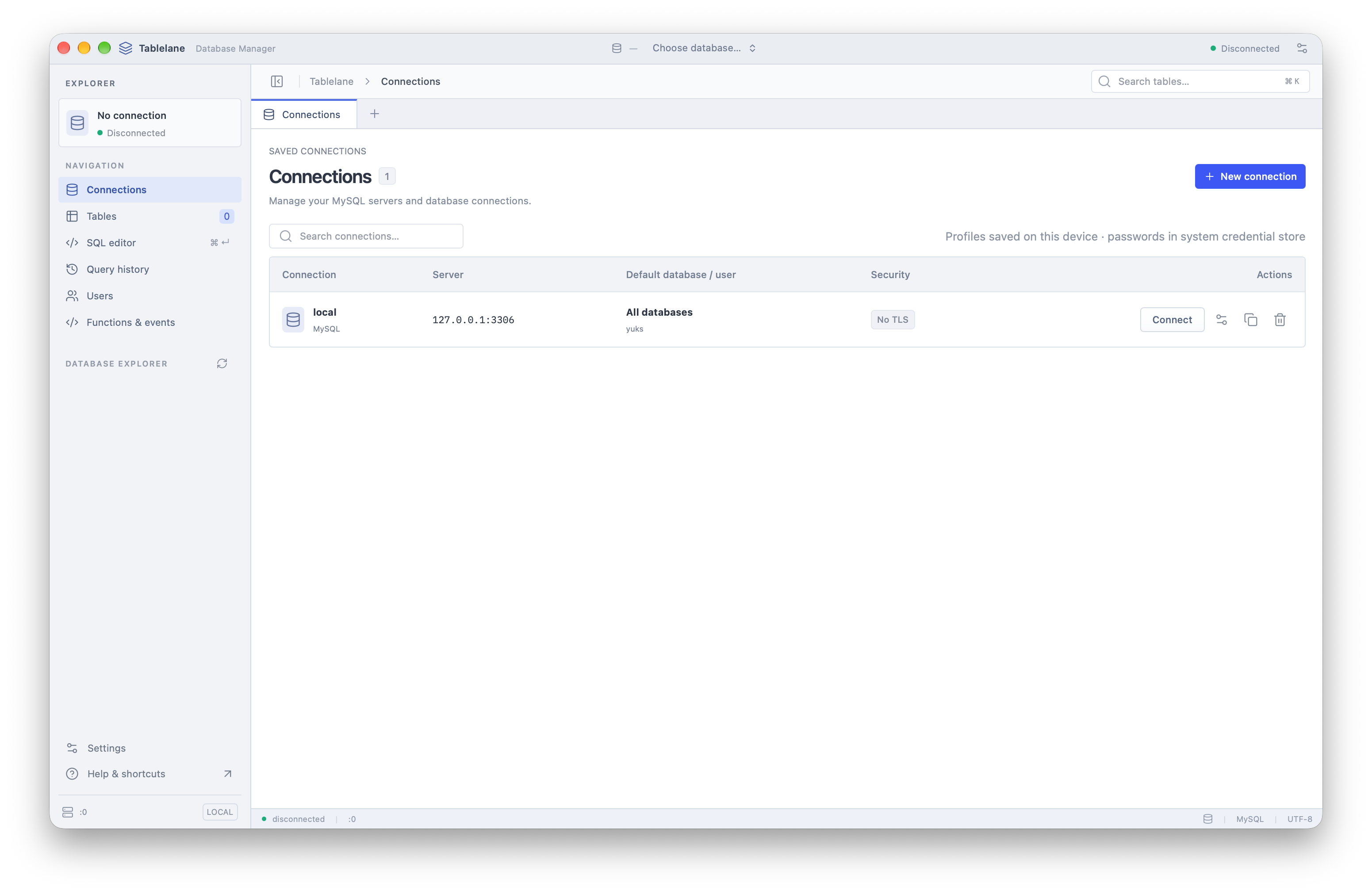
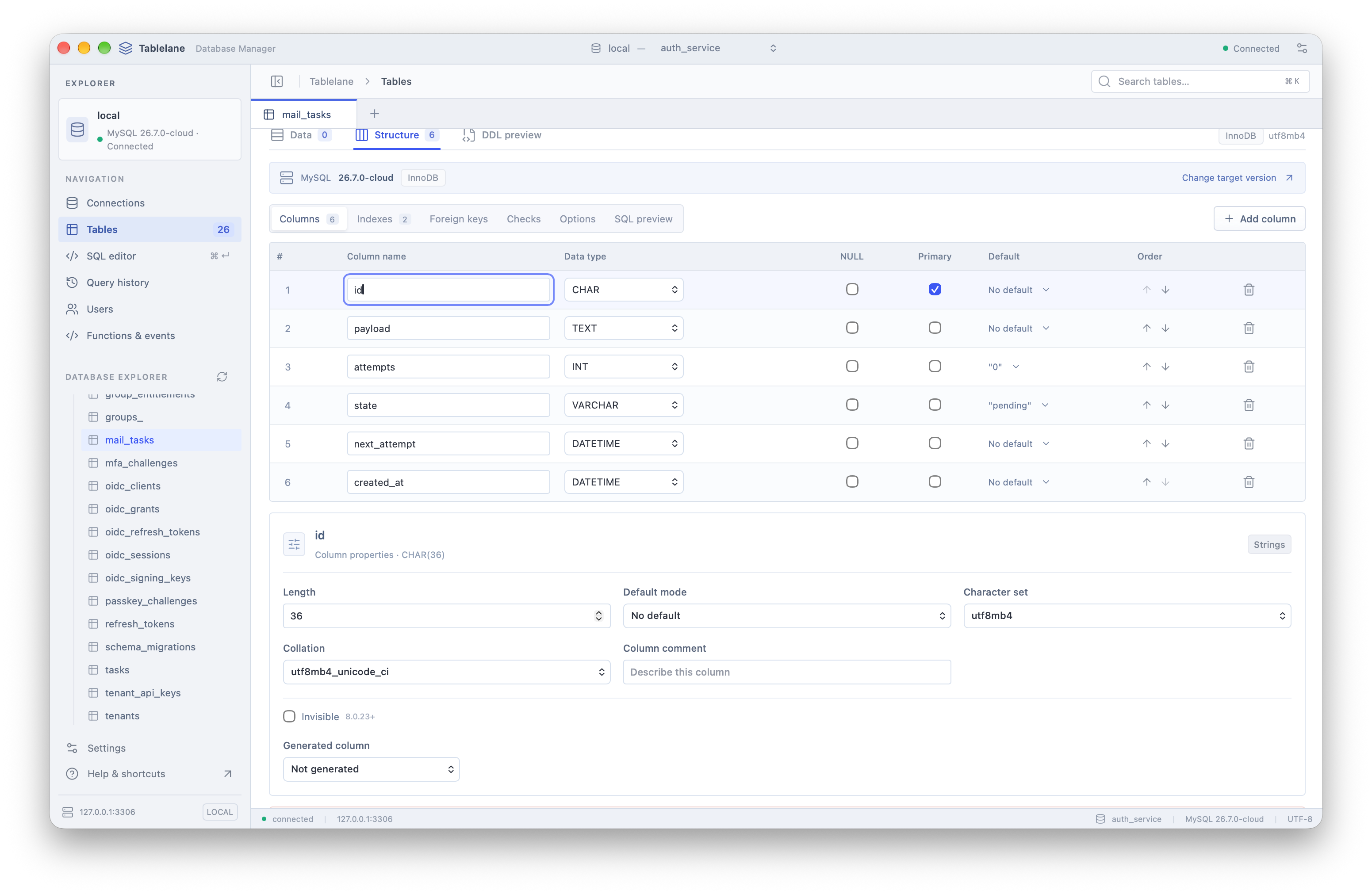
From a private database to a reviewed SQL change.
Tablelane brings the whole MySQL workflow into a desktop app: connect to a server, understand its schema, inspect the data, and review the SQL before making a change.
The interesting engineering work sits around the query editor. Private AWS databases need a connection path. Schema changes need version-aware checks. An AI assistant needs useful context without taking execution out of the developer’s hands. Tablelane addresses those boundaries alongside the everyday work of browsing tables and writing SQL.
Reach private databases
Built-in AWS SSM tunnels provide a path to private AWS databases. Saved credentials stay in the operating system’s keyring.
Make changes inspectable
Column, index, and foreign-key editing produces CREATE or ALTER statements for review, with checks for the connected MySQL version.
Keep AI assistance deliberate
The optional assistant uses the developer’s own OpenAI key. It receives the schema and enabled context; the developer reviews the draft and decides what runs.
A Vue.js workspace, backed by Go.
Wails 3 brings the interface and backend together in a desktop application. Vue.js presents the database workspace; Go handles connections and database operations, with native desktop capabilities kept separate from the database logic.
- Vue.jsWorkspace interface
- Table browsing, SQL editing, schema inspection, and connection management share one interface. Query history and snippets keep useful SQL close to the work.
- Wails 3Desktop integration
- The bridge between the Vue.js interface and Go services. Dedicated desktop services handle native capabilities, while separate editor and review windows support focused work.
- GoDatabase operations
- The backend owns MySQL connections and query execution. Connection handling supports direct access and tunnels, with credentials stored in the system keyring.
- GitLabSource control
- The project’s development workflow uses GitLab alongside the Go backend and Vue.js frontend.
Why I chose this stack
I wanted Tablelane to feel lightweight alongside the tools developers already have open: an IDE, containers, terminals, and the database itself. That made resource usage an important part of the stack decision. I chose Wails 3 over Electron because it uses the system webview rather than shipping a separate Chromium runtime, which fits my goal of keeping memory use and application overhead low.
Go is a good fit for the database and system integration work, and Vue.js lets me build and refine the interface efficiently. Wails connects the two and makes it practical to target macOS, Windows, and Linux from a shared codebase.
Building this in my own time, I also needed a stack I could maintain. Three separate native interfaces would mean more platform-specific work with less time for the database features themselves. This approach lets me focus on making Tablelane a useful developer tool while keeping access to the desktop capabilities it needs.
The boundaries that matter
Private infrastructure
AWS SSM tunnels provide a connection path to private AWS databases. Tunnel setup belongs to the connection workflow, alongside the database profile.
Review before execution
Schema tools generate CREATE and ALTER SQL with version-aware checks. Developers can inspect the statement before applying a structural change.
Optional AI context
OpenAI assistance uses the developer’s own API key. Messages, schema, and enabled context inform SQL suggestions; the developer reviews the SQL and controls execution.
Implementation details
Go / Vue.js / Wails 3 / GitLab
- Supports MySQL 5.5–8.4 on macOS, Windows, and Linux.
- Saved connection profiles with credentials stored in the system keyring.
- Built-in AWS SSM tunnels for access to private AWS databases.
- Table browsing with filtering, sorting, cell editing, row changes, and CSV export.
- SQL editor with table-aware completion, formatting, snippets, and query history.
- Column, index, and foreign-key editing with version-aware checks and generated CREATE / ALTER SQL for review.
- Optional OpenAI assistant using the user’s own API key; messages, inspected schema, and enabled context are sent to OpenAI.
- AI-generated SQL is reviewed in the editor, with execution controlled by the user.
From connection setup to a reviewed change.
The result is a free desktop MySQL workspace for macOS, Windows, and Linux. It brings connection management, data editing, schema tools, and optional AI assistance into the same application.
Work across MySQL versions
Support for MySQL 5.5–8.4 brings older databases and newer environments into the same workspace. Version-aware schema checks help account for differences when preparing changes.
Complete the everyday data workflow
Inspect tables, filter and sort results, edit cells and rows, then export data as CSV. SQL completion, formatting, snippets, and query history support the work that needs a query.
Reach private AWS databases
Built-in SSM tunnel support makes private database access part of the app’s connection workflow. Saved profiles and system-keyring credential storage support repeat connections.
Keep changes visible and deliberate
Preview generated schema SQL and review AI suggestions in the editor. Assistance helps prepare the statement while the developer remains responsible for what runs.
Built independently in my own time, Tablelane brings together desktop product development, database tooling, and cloud connectivity using Go, Vue.js, and Wails 3, with GitLab for source control.
Explore the project
See the product, documentation, or available downloads.